One load. One clear path from setup to invoice.
Follow a fictional Salt Lake City-to-Boise load through the same screens your team uses every day.
Choose a step to explore
Step 2 of 4
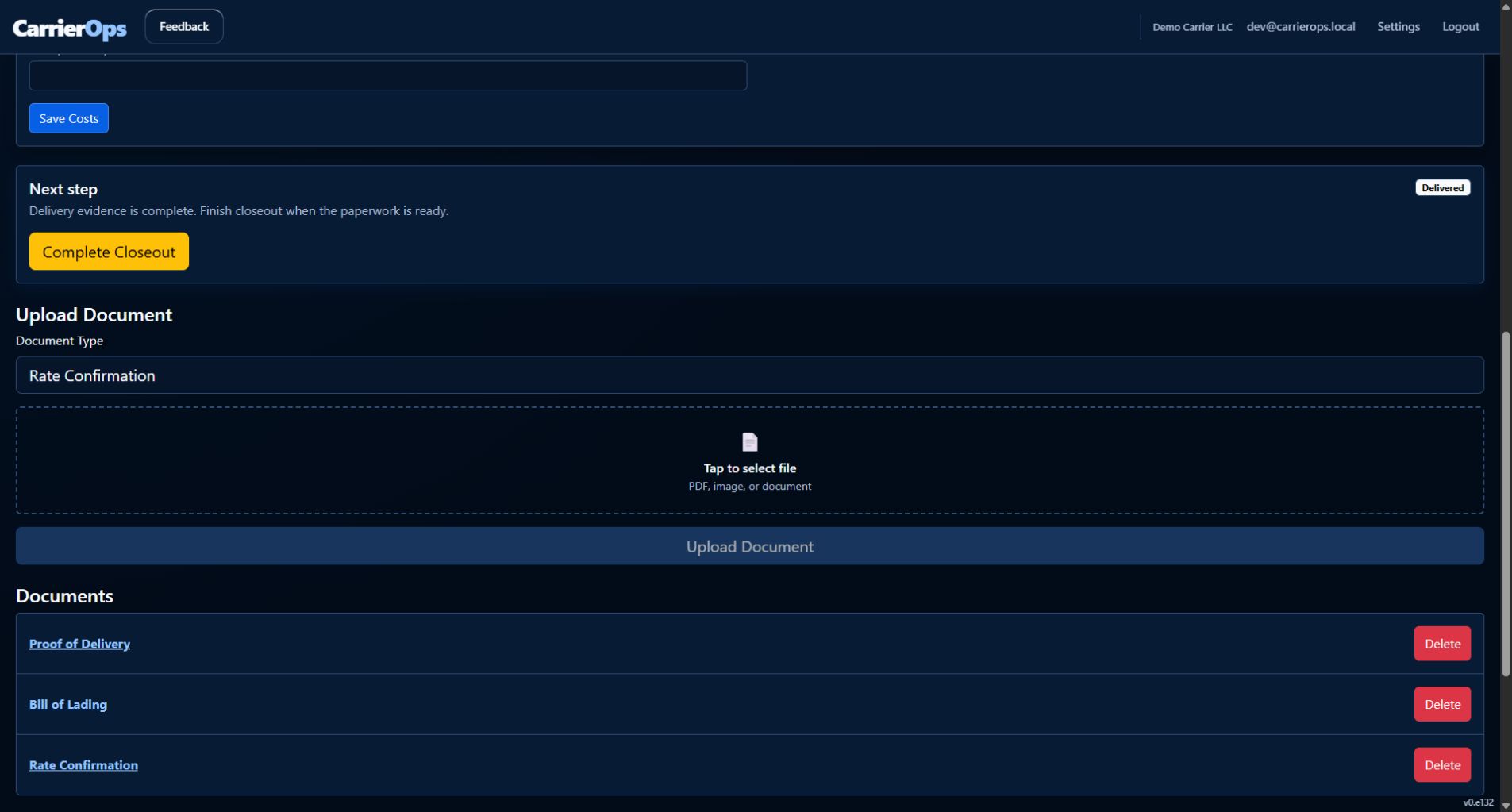
Know exactly what happens next
The guided action changes with the load—assign it, confirm pickup, capture delivery evidence, then move on.
- Driver and equipment assignment
- Pickup and delivery timestamps
- POD attached to the load record
Know exactly what happens next
Press Escape or tap outside the image to close.
Ready to run your next load with less back-office work?
Start free and keep the entire load record in one place.